6 Best Internet Speed Test Tools (Tried and Tested)
We’ve all experienced slow internet speeds at some point, and that is pretty frustrating. This is especially true when you’ve paid for fast connections. When this happens, you may experience video calls that glitch, lag during gaming, or a movie that is on constant buffering mode. If you’re interested in knowing what that’s all about, this guide lists six of the best internet speed test tools.
You can check your internet status, especially if you’re paying for a specific internet plan and not getting what you pay for. We’ll also explain what the results actually mean, and, most importantly, help you choose the right tool for your specific needs.
Short on Time? Best Speed Test Tools at a Glance
If you’re short on time and don’t want other details, go through this quick list:
| Tool | What it’s used for | Key Benefit |
| Ookla Speedtest | All-rounder (best go-to). | Massive server network, saves your history, tests all key metrics. |
| Fast.com | Checking your streaming capability. | Simple, ad-free, and owned by Netflix to test if your connection can handle streaming. |
| TestMy.net | Most accurate and unbiased. | Uses HTML5 for precise results and is not affiliated with any ISP. |
| Cloudflare Speed Test | Quick check, zero frills. | Accurate, easy-to-read graphs, and gives a “Network Quality Score.” |
| SpeedOf.me | Testing your network’s consistency. | Shows a graph of your speed fluctuations during the test. |
| M-Lab Speed Test | Simple, open-source option. | Backed by Google, no ads, and tests download, upload, and latency. |
What You Should Understand About Speed Test Results
Before you jump to using tools and not understanding what the results are about, here are a few terms to give you a better idea about internet speed test results. This way, you can diagnose the issue better:
Download Speed (Mbps)
The download speed of an internet speed test reflects how fast data travels from the internet to your device. It’s crucial for streaming videos, loading web pages, and downloading files. Think of it like a pipe bringing water into your house; a bigger pipe, more water flow.
Upload Speed (Mbps)
This is the reverse of the download speed. It is how fast your device can send data to the internet. It’s important for video calls, online gaming, uploading files to the cloud, and sending large emails. Most internet plans have slower upload speeds than download speeds, in case you panic.
Ping / Latency (ms)
This measures your connection’s reaction time. It means the time it takes for a signal to travel from your device to a server and back. It’s measured in milliseconds (ms). Low ping is essential for real-time activities like online gaming and video conferencing. A ping under 50ms is great, while over 150ms can cause noticeable lag. So, here, lower is better, and higher basically means you’re done for.
Jitter (ms)
This measures the variability in your ping. If your ping is inconsistent, meaning a high jitter, you might experience lag spikes in games or buffering during calls. This matters even if your average ping is low. Lower jitter is more stable and better for real-time communication.
How to Choose the Best Internet Speed Test Website for You
Many options available, and selecting the best tool can get a bit confusing. However, the right choice depends entirely on what you want to learn about your connection. Here is a simple decision guide based on your primary goal:
- Choose Ookla Speedtest: If you want a reliable, all-purpose test that works on any device. It’s the industry standard, offers a huge server network, and provides a detailed breakdown of all key metrics (download, upload, ping, and jitter). It is a great starting point for most users.
- Choose Fast.com: If you only care about streaming video without buffering, this is perfect. It’s a Netflix-owned tool that is simple to use. It focuses mainly on download speed, which is the most important factor for streaming. It also tests latency and upload speed if you click “Show more info.”
- Go for TestMy.net: If you suspect your ISP is not delivering the speeds you pay for and you want the most unbiased result. Since it is not affiliated with any internet provider, its results are considered highly impartial. Its use of HTML5 also makes it very accurate.
- Choose Cloudflare Speed Test or SpeedOf.me: If you are a gamer or want to see your connection’s stability. Cloudflare provides an excellent overall “Network Quality Score” and clear graphs. SpeedOf.me is unique because it visualizes speed fluctuations during the test. This is considered great for spotting jitter and inconsistency.
- Go for M-Lab Speed Test: If you want a quick, no-fuss test without ads, this is best. It’s simple, open-source, and backed by Google. It gives you the essentials (download, upload, latency) in seconds.
6 Best Internet Speed Test Tools – Review Breakdown
Need more details? Here’s a closer look at the best tools available. Go through them and see what fits you the best:
1. Speedtest by Ookla – #1 Tool for Internet Speed Tests
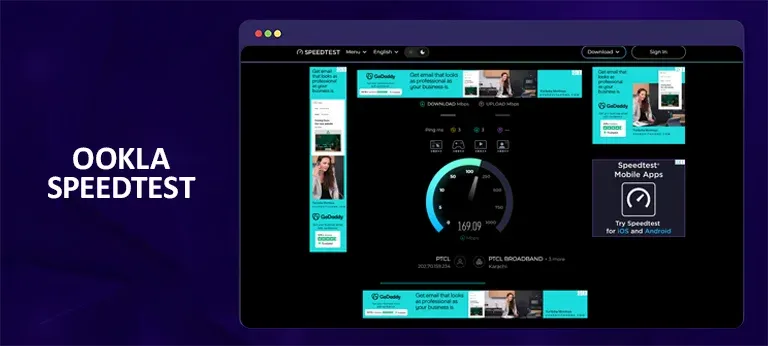
Ookla’s Speedtest is one of the most popular, heavily used, and trusted speed test services on the web. It has been used for over 55 billion tests globally. Here’s a little on it:
- Why use it: Its extensive worldwide server network helps ensure an accurate reading by finding the optimal server for your connection. It provides clear download, upload, and ping results. Plus, you can create a free account to track your speed history over time.
- The catch: The website and app show banner ads, which some users find distracting. Some also suggest these ads may impact the results.
- Best for: Getting a reliable, comprehensive speed test that you can trust. It’s the best all-rounder. You can even run the tests two or three times and get similar results each time.
2. Fast.com – Good Choice for Streamers
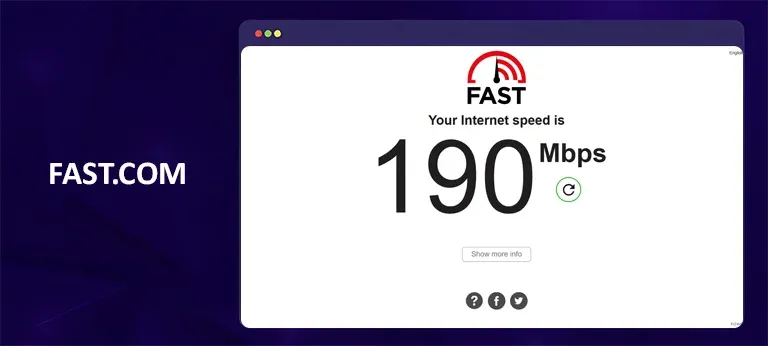
This service is owned and operated by Netflix. It’s designed to be as simple as possible. Here’s why you should try it:
- Why use it: The test starts automatically as soon as the page loads. This gives you a quick and ad-free way to check your download speed. It’s a perfect tool if your primary internet activity is streaming videos.
- The catch: It doesn’t provide as much detailed information as other tools. However, while it does show upload speed and latency in the “Show more info” section, its primary focus is download speed. You also cannot select a specific test server.
- Best for: A fast, no-fuss check to see if your connection is fast enough for streaming.
3. TestMy.net – For Accuracy and Unbiased Results
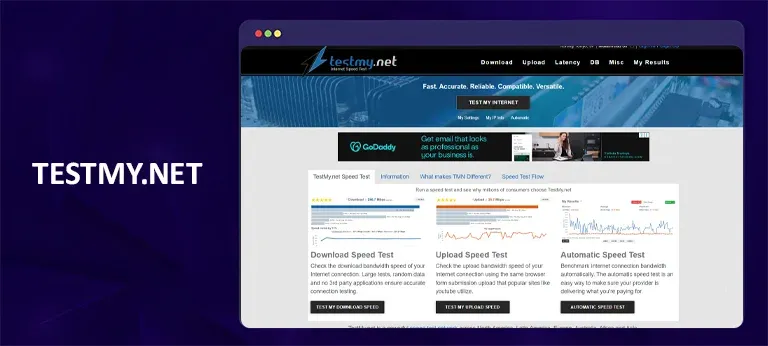
Its main highlight is its commitment to accuracy. Here’s a bit more on this internet speed checking tool:
- Why use it: It uses HTML5 technology instead of older plugins like Flash or Java. This can sometimes interfere with tests. It also offers separate download and upload tests, and you can create an account to track your history. Because it’s not affiliated with any internet provider, its results are considered highly unbiased.
- The catch: The user interface is not as polished as some competitors, and it can be a bit more complex to navigate.
- Best for: When you want the most accurate, unbiased numbers possible and don’t mind a slightly less user-friendly interface.
4. SpeedOf.me – Gives You an Idea of Your Connection’s Stability
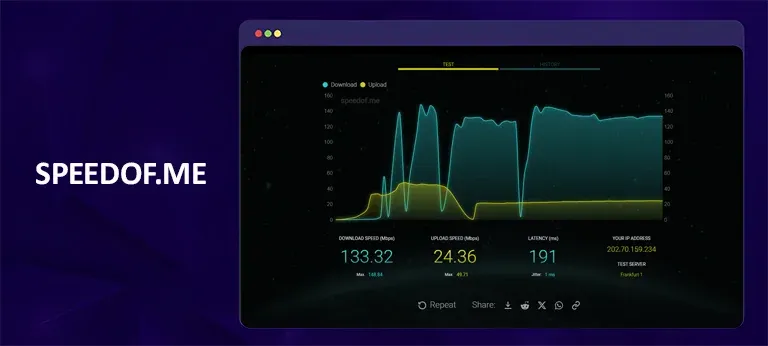
This test is great for seeing how consistent your speed is compared to what you paid for. Here’s more on it:
- Why use it: It shows a graph of fluctuations in your download and upload speeds as the test runs. This helps you spot an unstable connection (high jitter). It also saves your previous test results, making it easy to compare performance over time.
- The catch: You cannot manually select the server you test against. If you’re not familiar with networking, the visual data might seem confusing or overwhelming.
- Best for: Diagnosing inconsistent connections or jitter.
5. Cloudflare Speed Test – A Deep-Dive Check
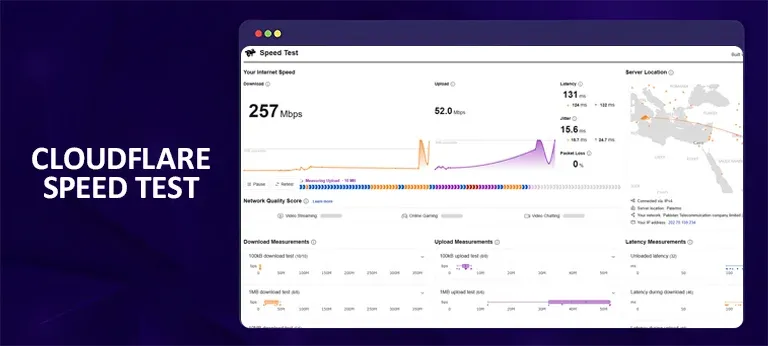
Cloudflare’s test is praised for its clarity and in-depth analysis of your internet speed. Here’s more on this provider:
- Why use it: It provides a user-friendly interface with easy-to-read graphs and symbols. It measures download, upload, latency, and jitter, and even gives a “Network Quality Score” that translates your results into recommendations for online activities like gaming or streaming.
- The catch: None significant; it’s simply another excellent tool to have in your arsenal.
- Best for: Gamers and anyone who wants a clear, comprehensive network health check. Plus, the results are simple to understand.
6. M-Lab Internet Speed Test – Simplest Open-Source Tool
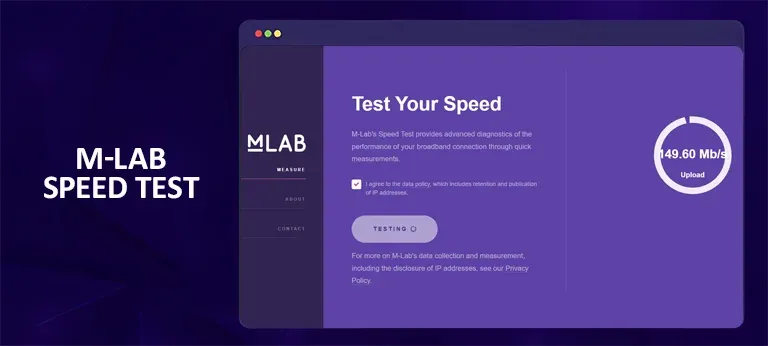
This tool is backed by an alliance of academic researchers and, with support from Google, offers a very straightforward experience. Here’s more on this tool for internet speed testing:
- Why use it: It’s completely ad-free, which is a huge plus point for many. Just click “Begin” to see your download speed, upload speed, and latency. It also measures a metric called “re-transmission rate,” which can indicate packet loss and network issues.
- The catch: Your IP address is collected and published as part of the open data project. It also supports speeds up to about 700 Mbps, so it’s not ideal for testing a gigabit fibre connection.
- Best for: A quick, private test that supports open-source research. However, note that public data is collected.
How to Get the Most Accurate Speed Test Results
This is for those who are running internet speed tests for the first time. So, to avoid any misleading results, follow the steps below:
- Stop other internet activities before starting: Before running the test, pause any streaming, online gaming, or large downloads. Also, close background apps on your device that might be using bandwidth. Running them in the background can interfere with the results.
- Use a wired connection if it’s possible: Wi-Fi is convenient but introduces variables like interference and distance. For the most accurate test of the speed your ISP is delivering, connect your device directly to your router with an Ethernet cable. If you must use Wi-Fi, position yourself close to the router.
- Run tests at different times: Your internet speed can fluctuate with network congestion. This is often worse during peak evening hours when many people are online. Run tests at different times of the day to see a complete picture of your connection’s performance.
- Run tests via multiple servers: Don’t rely on just one test; run the test several times. If a tool lets you, test against different servers to see if the results vary. Using multiple speed test sites, for instance, Ookla and Fast.com, can provide more accurate results.
Frequently Asked Questions
The right choice depends on your requirements. For a reliable overall check, start with Ookla. If you mainly stream video, use Fast.com. If you need the most unbiased results, choose TestMy.net. For gaming and stability, use Cloudflare or SpeedOf.me. A "good" speed depends on your household's needs. The FCC (Federal Communications Commission) currently defines broadband as at least 100 Mbps download and 20 Mbps upload. This is considered sufficient for most households. However, if multiple people are streaming 4K video, gaming, or working from home, you may need higher speeds, for instance, 200+ Mbps. Speed test results are often lower than the advertised "up to" speeds for several common reasons. These include Wi-Fi testing, network congestion during peak hours, outdated router or modem hardware, or background activity on your network. Many ISPs offer their own speed tests. Even though that may seem convenient, it’s often better to use a third-party test like Ookla for a more objective and unbiased measurement. If you want to test your base internet speed, turn off your VPN. VPNs can add overhead that slows your connection, and you want to test the speed you are getting from your ISP. To test your VPN’s performance, connect to it and then run a test against a server in the same location as your VPN server. Residential fiber internet can reach speeds of 2 to 10 Gbps in select areas. This currently represents the fastest internet speed available to consumers. Speeds of 500 Mbps and above are considered "fast" for most households.How do I choose the best speed test website?
What is a “good” internet speed?
Why is my speed test result slower than my internet plan?
Do I need to use my ISP’s official speed test?
Should I test with a VPN on or off?
What is the fastest internet speed available?
To Conclude
I can’t recall the number of times I had to get my internet service provider to come over and check my internet issues. To avoid paying for all the visits, simply run a speed test using the best internet speed test tools. With the right tools and following these tips, you can take control of your internet experience, diagnose issues, and ensure you’re getting the speed you pay for.
You can also use a VPN for your tasks and test speeds while connected to close-range and long-distance servers. If you’re not sure how, here’s a link to taking a VPN speed test.
iProVPN encrypts your data for protection against hackers and surveillance. Unblock your favorite streaming platforms instantly with the best VPN for streaming.
Start Browsing Privately!