
The Best TeamViewer Alternative in 2026: A Brief Guide
TeamViewer simplifies remote desktop management. However, its cost, licensing restrictions, and competitive performance may prompt you to switch to a TeamViewer alternative.
At its core, TeamViewer creates a secure and encrypted link between two devices on the internet. Device operating system and location don’t limit this link creation. While its ease of use and high compatibility made it the industry standard for remote desktop access, there are more TeamViewer alternatives that make the same functions simpler.
This guide covers the 10 best TeamViewer alternatives, brief descriptions of them, and wraps up with the frequently asked questions.
Note: We recommend using a VPN to protect your information online. Connect to iProVPN for enhanced privacy and security protection online. The VPN masks your IP address and reroutes your browsing data via an encrypted tunnel. This makes your browsing activities inaccessible to any third parties.
Best TeamViewer Alternatives: A Quick Rundown
TeamViewer has long remained the industry-standard for remote desktop sharing. Various alternatives now offer similar features, aiming to further simplify and enhance what TeamViewer was already offering. Here’s the list of the 10 best TeamViewer alternatives:
- AnyDesk
- Splashtop
- ConnectWise ScreenConnect
- Zoho Assist
- LogMeIn Central
- BeyondTrust Remote Support
- Chrome Remote Desktop
- RemotePC
- Parsec
- GoTo Resolve
What Is the Risk of Using TeamViewer?
A recent TeamViewer breach was discovered in TeamViewer clients for Windows. TeamViewer released an official statement. As a solution, it suggests updating to the latest version, i.e., 15.62. Unauthorized access is the most common risk of using TeamViewer. And, other limitations of TeamViewer also exist. Here’s a brief breakdown of them:
Key Risks of TeamViewer
Here are the common risks and limitations that may prompt you to switch to a TeamViewer alternative software:
- Unauthorized Access: Attackers might obtain your TeamViewer credentials. This enables them to view sensitive files, install malware, or use your compromised session.
- TeamViewer Breach: TeamViewer’s internal IT network was successfully breached by sophisticated Advanced Persistent Threat (APT) groups.
- Phishing Attacks: Scammers aim to convince victims to download the TeamViewer client and provide a unique ID and a temporary password. Following that, the hacker might pretend to fix an issue but instead install malware.
- Unpatched Security Vulnerabilities: TeamViewer releases a patch in case of any vulnerability discovered, making an IT audit checklist essential for ensuring timely updates and reducing security risks. Delaying the installation of this security update may result in a cyberattack.
- Malware and Ransomware: Remote access tools are often a target for hackers. Hackers may use TeamViewer sessions to install malware directly into the targeted system.
- Social Engineering Attacks: Hackers may use human manipulation techniques to steal passwords or install malware on a user’s device via TeamViewer.
What Is the Best Alternative to TeamViewer?
Millions of people use TeamViewer. However, certain limitations make users switch to its alternatives. This section covers the 10 best TeamViewer alternatives and their features.
1. AnyDesk
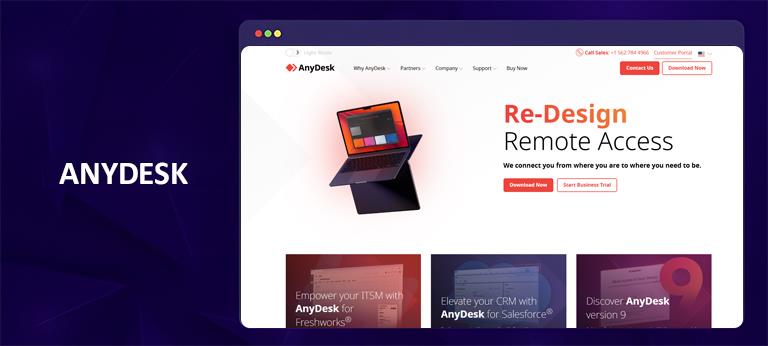
AnyDesk hits the sweet spot between performance, price, and ease of use. This Team Viewer alternative is best for individuals and small teams looking for a powerful, reliable, and cost-effective solution.
It stands as the best TeamViewer alternative software for its low latency rate and high frame rates, TLS 1.2 encryption rate, and RSA 2048 asymmetric key exchange. AnyDesk features a simple-to-use interface and a cross-platform app. It’s among the most affordable TeamViewer alternatives with a strong feature set.
Features
- TLS 1.2/AES-256 encryption and MFA
- Low latency rates
- Clean and simple interface
- Affordable pricing
- Cross-platform accessibility
- Strong remote control features
2. Splashtop
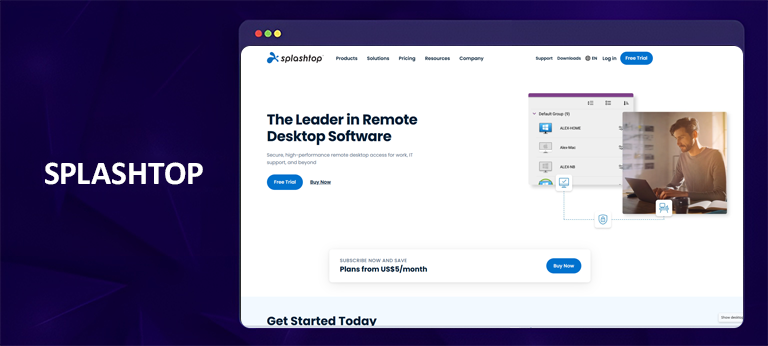
Splashtop is among our top recommendations. It often wins on performance, price, and customer satisfaction. This TeamViewer alternative software is rated as one of the fastest remote desktop access tools that’s best for graphics-intensive work.
The plans are 50% to 80% cheaper for the same number of users as TeamViewer. It offers TLS and AES 256-bit encryption, two-factor authentication, and compliance with major standards. This TeamViewer alternative software is ideal for remote workers, IT support teams, developers and creative professionals, and cost-conscious businesses.
Features
- Unmatched price-to-performance ratio
- Exceptional performance for demanding tasks
- Affordable pricing
- Paid and free tiers
- Remote Wake-on-LAN
- Multi-monitor support
3. ConnectWise ScreenConnect
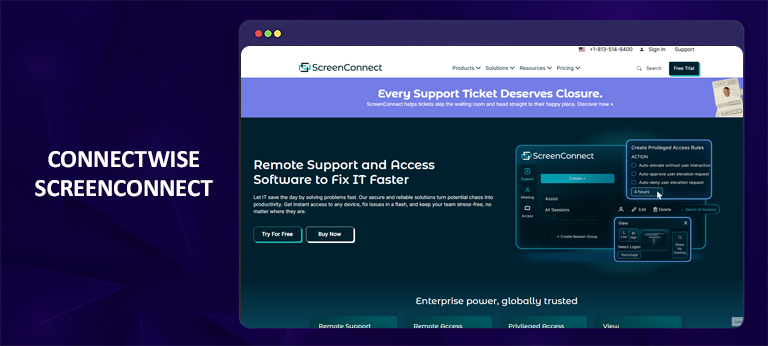
Often called ScreenConnect, this is the top-tier, superior TeamViewer alternative software. It’s known for its exceptional speed, strong security, and adaptable pricing. Though the upfront cost can be steeper, its long-term business value is often superior. It favors a “buy once” model over a recurring subscription.
Features
- Low latency and high responsiveness
- Buy-once subscriptions
- Extensive security controls
- Simple to use interface
4. Zoho Assist
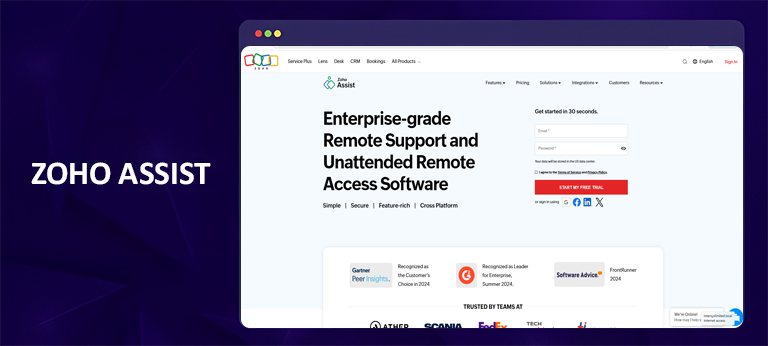
Zoho Assist is best for small to mid-sized businesses looking for a reliable TeamViewer alternative software. Unlike TeamViewer’s free version, Zoho offers unrestricted session lengths. Its competitive pricing and cost-effectiveness make it a reliable alternative to TeamViewer.
Features
- High-grade security
- Ease of use
- Rich feature set
- Cost effective
- Unlimited session length
- Dedicated mobile apps
5. LogMeIn Central
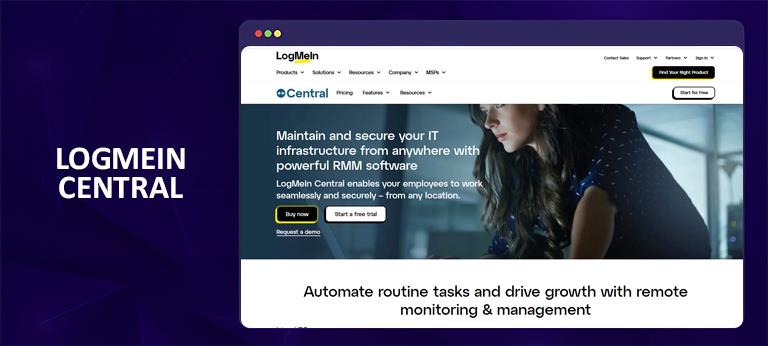
LogMeln Central is a reliable TeamViewer alternative software for businesses looking for an all-in-one endpoint management solution. It includes remote access, monitoring, and automation.
The features include asset management, antivirus capabilities, and patch management. Unlike TeamViewer, you don’t need to install separate add-ons to leverage the same features that LogMeln Central offers in-built.
Features
- Flat-fee structure
- Integrated IT management features
- Suite of IT management solutions
- Broad OS support
6. BeyondTrust Remote Support
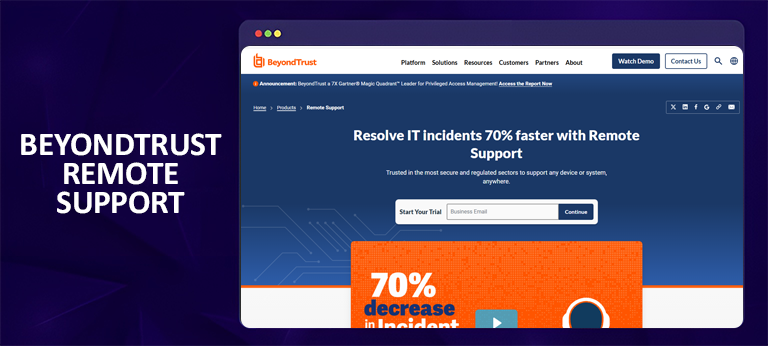
BeyondTrust Remote Support, formerly Bomgar, is an enterprise-grade solution. It primarily focuses on security, compliance, and scalability for IT support teams and help desks. However, this is an enterprise-level tool, which might not be suitable for individual users or small businesses.
Features
- Enterprise-level features
- Offers a cloud version
- Built-in session recording
- Integration with PAM (Privileged Access Management)
- High cost
- Interface is built for technicians
7. GoTo Resolve
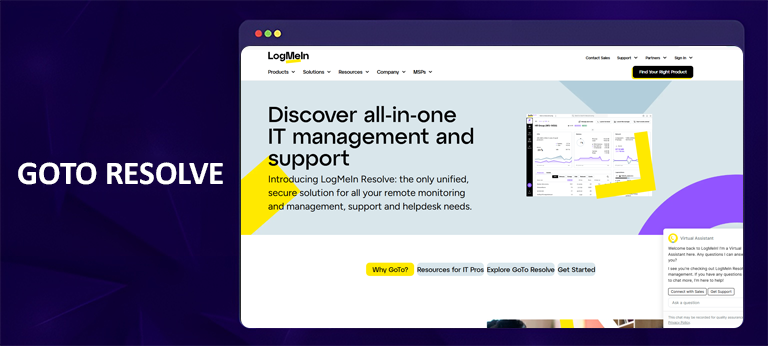
GoTo Resolve combines remote access with a full IT management suite (RMM) and a helpdesk ticketing system. It offers a better value for managed service providers (MSPs) and IT departments. Whereas TeamViewer has a more à la carte pricing.
Features
- All-in-one IT management
- Cost-effective solution
- Multi-monitor support and remote command line
- Built-in IT Management (RMM)
- Modern and clean web-based console
- Enterprise-grade security
8. Chrome Remote Desktop
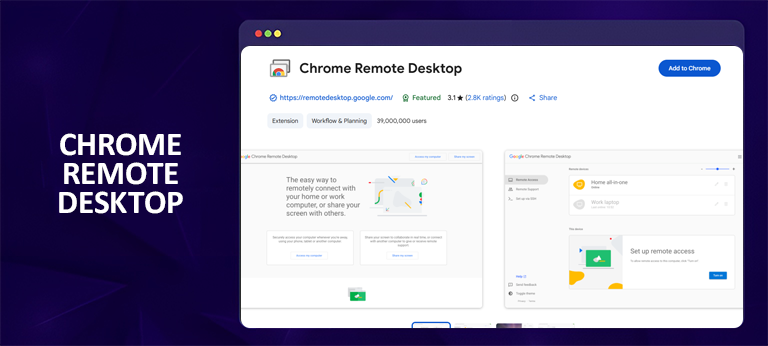
Chrome Remote Desktop is the ideal free TeamViewer alternative, but it might lack certain features that larger enterprises require. This alternative works great if you need to access your computer or help friends occasionally via remote desktop access. However, it isn’t a professional IT or business support tool.
Features
- Simpler computer access
- Basic file transfer features
- Google’s secure infrastructure
- Fast and responsive
9. RemotePC
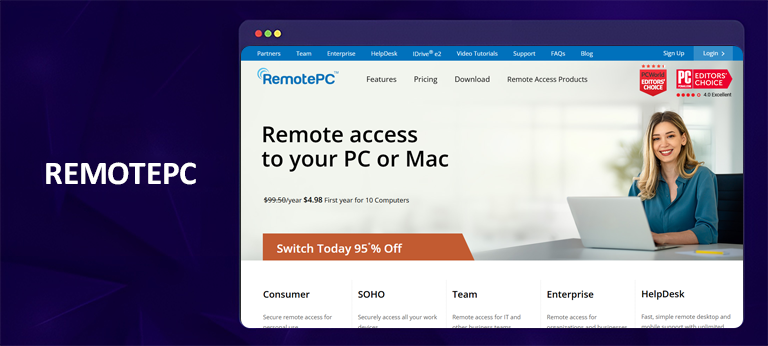
Similar to Chrome Remote Desktop, RemotePC is good for individuals who need to access a fixed number of computers. The pricing is per-computer and not per-technician, making it a cheaper solution if you’ve fewer computers. It also offers a 7-day free trial. This can help you decide if it’s the right fit for you.
Features
- TLS v1.2/AES 256-bit encryption.
- Allows 2 computers for free
- Clean and simple to use interface
- Always on remote reboot
10. Parsec
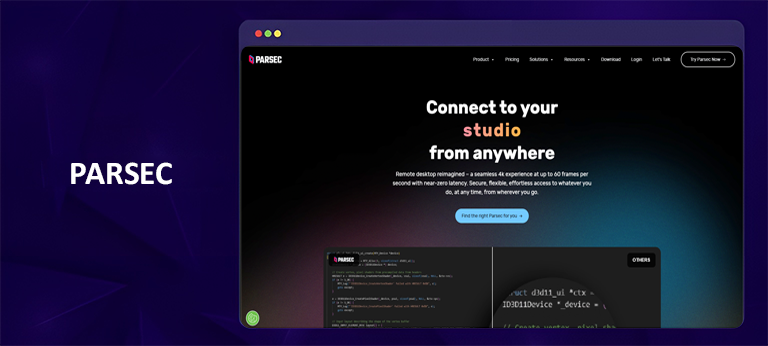
Parsec is another Team Viewer alternative, but the primary purpose is different. It’s made for remote access to graphics-intensive work like gaming, video editing, and 3D design. This isn’t for general IT support and server management, but ideal for low-latency streaming or creative work.
Features
- Free tier for personal use
- AES 256-bit encryption
- Cross-platform compatibility
- Prioritizes high FPS and fluid motion
FAQs - TeamViewer Alternative
What app is better than TeamViewer?
This depends on individual needs and requirements. AnyDesk often stands out as a top competitor of TeamViewer. Other alternatives include:
- AnyDesk
- Splashtop
- ConnectWise ScreenConnect
- Zoho Assist
- LogMeIn Central
- BeyondTrust Remote Support
- Chrome Remote Desktop
- RemotePC
- Parsec
- GoTo Resolve
Is TeamViewer no longer free?
TeamViewer still offers the free tier limited to personal and non-commercial use. TeamViewer can block your access if it detects commercial activity.
What is safer than TeamViewer?
AnyDesk, SplashTop, and Parsec are often considered safer options than TeamViewer. Other top alternatives to TeamViewer include:
- AnyDesk
- Splashtop
- ConnectWise ScreenConnect
- Zoho Assist
- LogMeIn Central
- BeyondTrust Remote Support
- Chrome Remote Desktop
- RemotePC
- Parsec
- GoTo Resolve
Is TeamViewer still the best?
TeamViewer is still a top-tier remote access solution. However, it might not be the safest option as other competitors step in. AnyDesk, Splashtop, and Parsec are among the safer TeamViewer alternatives.
Is AnyDesk better than TeamViewer?
The answers depends on your needs and requirements. AnyDesk offers great speed and performance, security, and ease of use. It’s best for basic remote support, especially on slow connections. Whereas TeamViewer offers more advanced capabilities, like deeper integrations. However, it might be more expensive and resource-intensive.
Final Note
TeamViewer still stands tall among the best remote access desktop management solutions. However, you may want to switch to its alternatives for various reasons, such as high costs, licensing issues, and frequent commercial activity detection on your free account. Moreover, past security breaches are also included in these reasons.
We hate to break this to you, but you’re never safe online. Third parties can easily break in via your IP address. This is where a VPN steps in. Connect to iProVPN and anonymously browse the web, like the black hats don’t exist.
iProVPN encrypts your data for protection against hackers and surveillance. Unblock your favorite streaming platforms instantly with the best VPN for streaming.
Start Browsing Privately!